
How it works
See how Best Grading Tools helps you understand your card condition clearly on iPhone.
Notify me at launch
From your photos to a report.
Four stages with a clear outcome, including when a new capture is needed.
Every report starts with your card.
Original photos. Visible evidence. An independent estimate.

Conceptual illustration, not a real report or an internal system diagram.
Computer vision and AI, working together.
BGT combines image measurements, capture checks and AI-assisted evaluation. Focus, exposure and geometry help select useful evidence before analysis.
Capture originals underpin the evaluation. Presentation cutouts and reduced-glare viewer images do not replace that evidence.
Our approach draws on techniques studied in computational photography and image analysis. It is an independent BGT estimate: scientific references do not certify product accuracy.
-
Capture
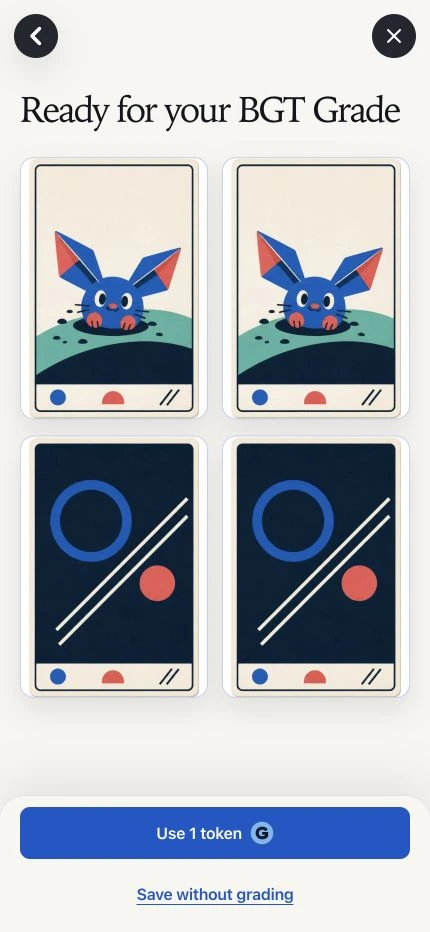
Front and back, with the complete card visible.
Sample artwork. Use your original photos. Front
Front  Back
Back Original photos are the evidence. Catalog artwork cannot replace them.
-
Prepare & submit
Review both photos and confirm the evaluation.
Preparation uses no tokens. An accepted submission reserves 1 G; an identical retry retains the original request.
-
Evaluate
Identity and condition answer different questions.
- Which card?
- Identity and printing, when they can be resolved.
- What is visible?
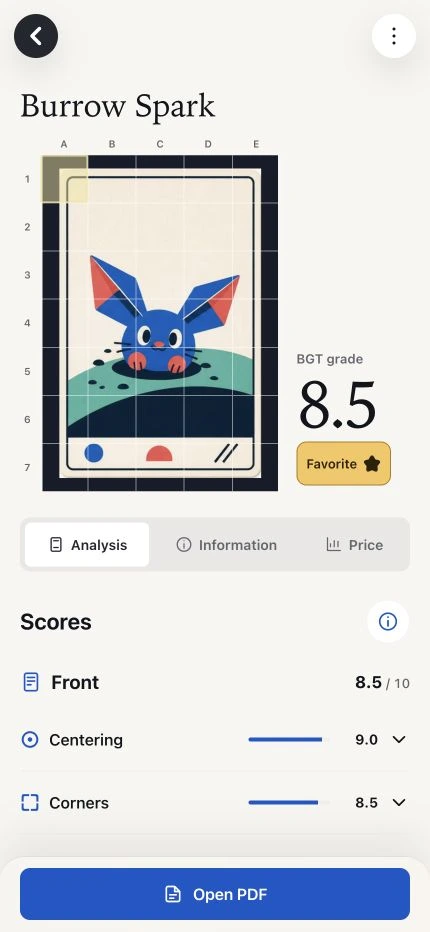
- Visible centering, corners, edges and surface.
Unresolved identity is not a defect. Reflections and hidden areas limit what can be concluded.
-
Retrieve
Follow the status and open the report when available.
The estimate, observations and limitations remain private. Sharing is a separate action by the owner.
Report completed
The evaluation consumes 1 G. You receive an independent BGT estimate.
1 G consumedNew photos needed
The reservation is refunded. Repeat the requested capture and submit a new evaluation.
1 G returnedTerminal failure
The reservation is refunded. A lost connection alone does not confirm failure: check status first.
1 G returned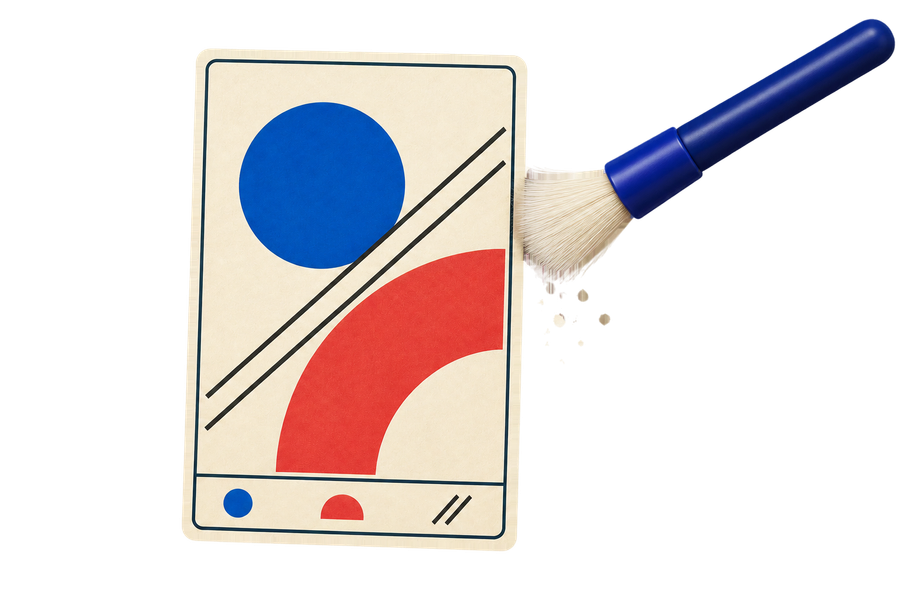
Gently dust, dry only
Before taking photos, remove only loose dust and debris with a clean, very soft-bristled brush, without pressing. No water or cleaning products. Do not rub or try to remove stuck-on marks.
-
Know your card better.
Best Grading Tools keeps every step simple, from your iPhone to your result.
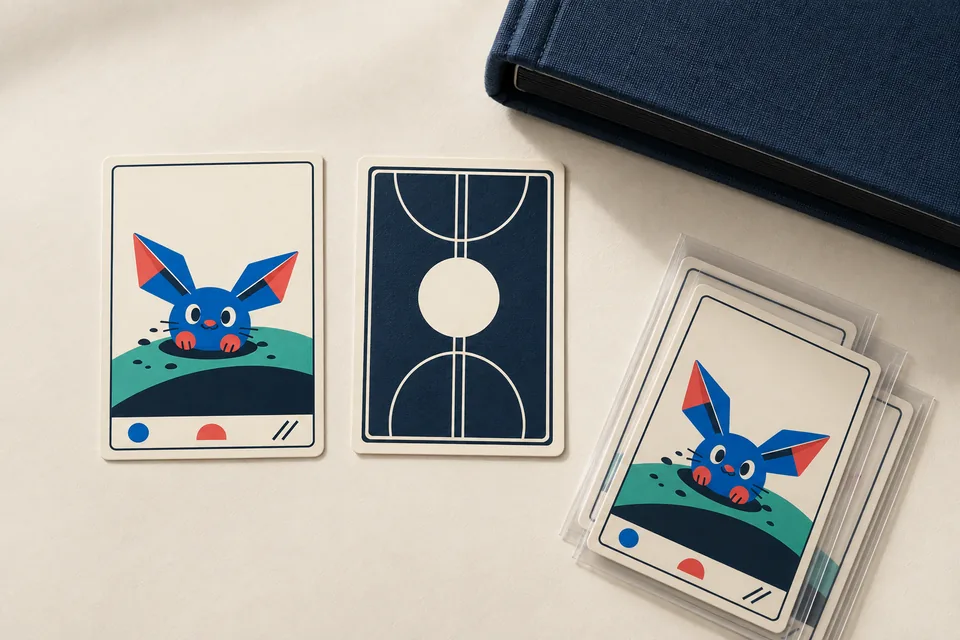
Illustrative scene with fictional BGT cards.
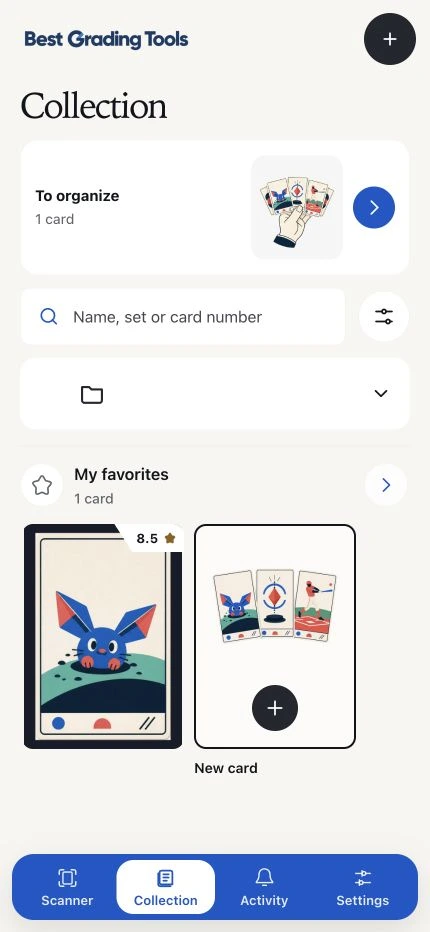
Decide with more context.
The BGT estimate reflects what is visible in the photographs. Lighting, sharpness and finish limit detail; it does not replace physical inspection or certify authenticity.
Your images and reports are private by default. You choose what to share.
Back to home